


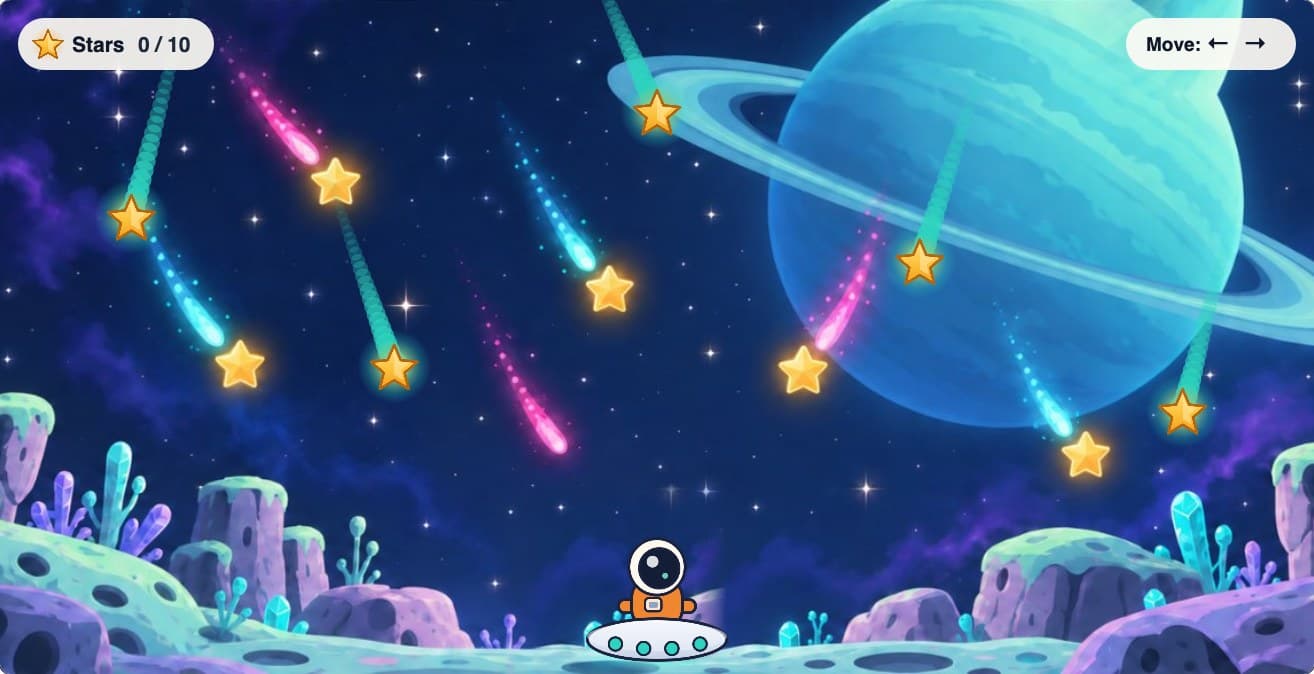
2D game
Catch, dodge and score. The quickest way to play.

Kids make real games by telling an AI what they want, then play them together.
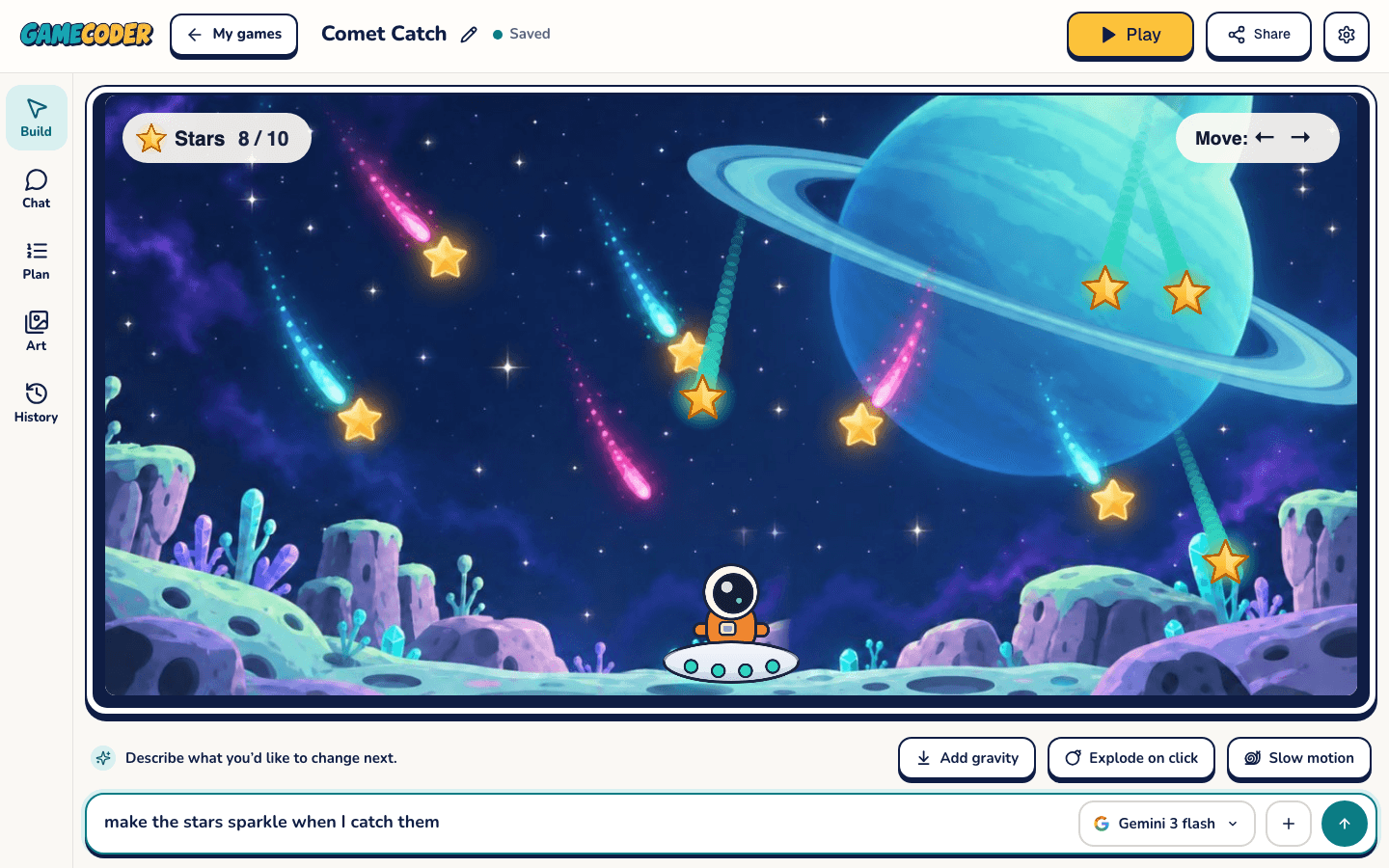
Tell us what game you want in your own words.
Your game is ready in seconds. Give it a go!
Share with friends or your whole class.
Pick a world to start in. The adventure is yours to build.
Catch, dodge and score. The quickest way to play.
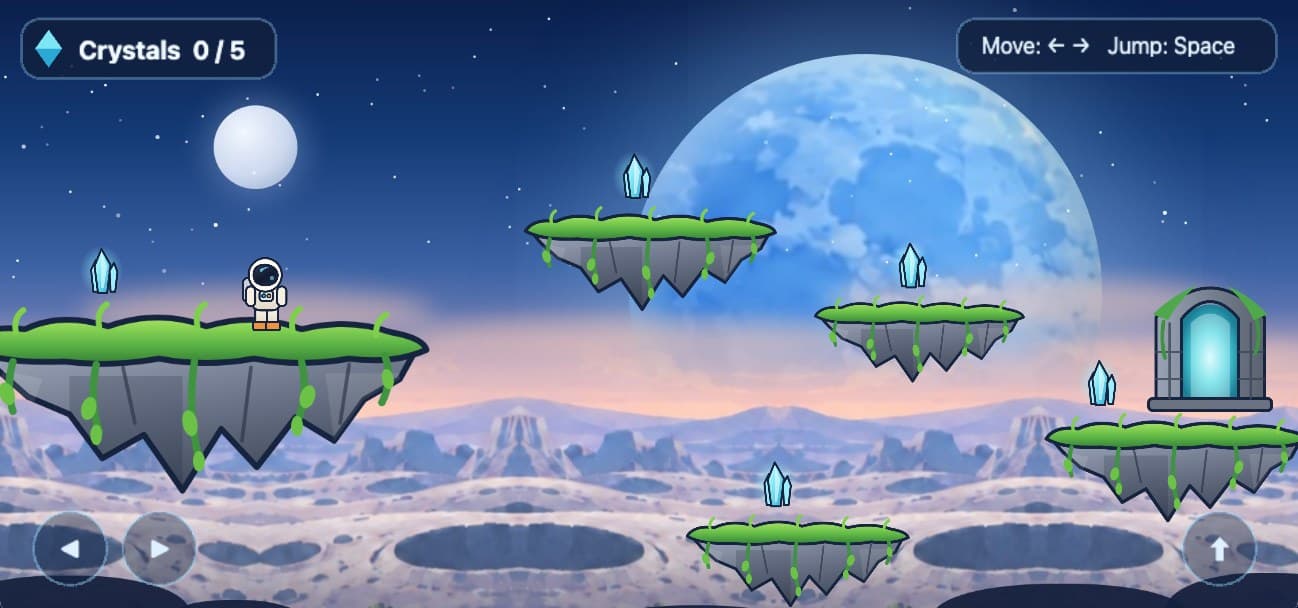
Platforms to jump, things to collect, a door to reach.
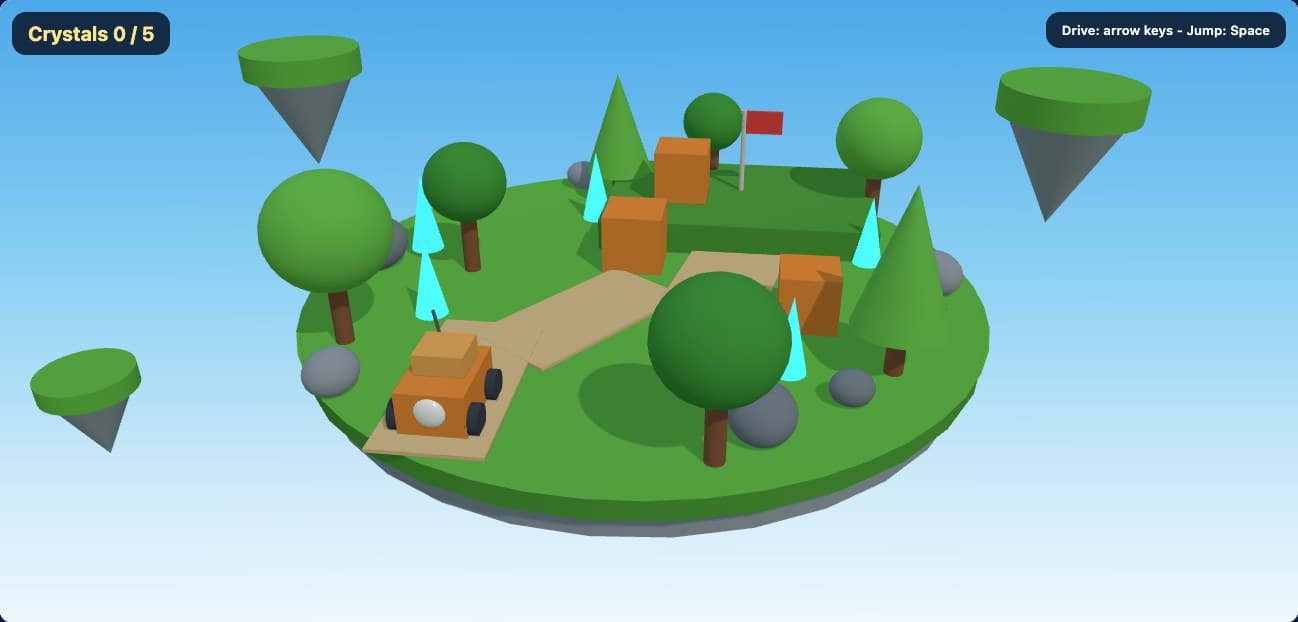
Shape an island, a maze or a whole planet.
Pictures show real games running in GameCoder. Each button opens a fresh project for you to build on.
For classrooms, too
A place to practice prompting, try ideas, and learn by making games. Teachers can organize classes and follow student projects.
Information for parentsYou can start by describing what you want in plain language. GameCoder writes and edits real game code with AI, and you can open the code whenever you want to explore it.
Yes. Pick a 2D game, a 2D world with levels, or a 3D world. Start with one playable idea, then add to it as you go.
Tap “Got a class code?” and type the code your teacher gave you. If you already have a username, use the Sign in tab instead.
GameCoder runs in a web browser. The size and complexity of your game affect how it plays on your device, so build a little, test it, and keep going.
Your next idea belongs here